
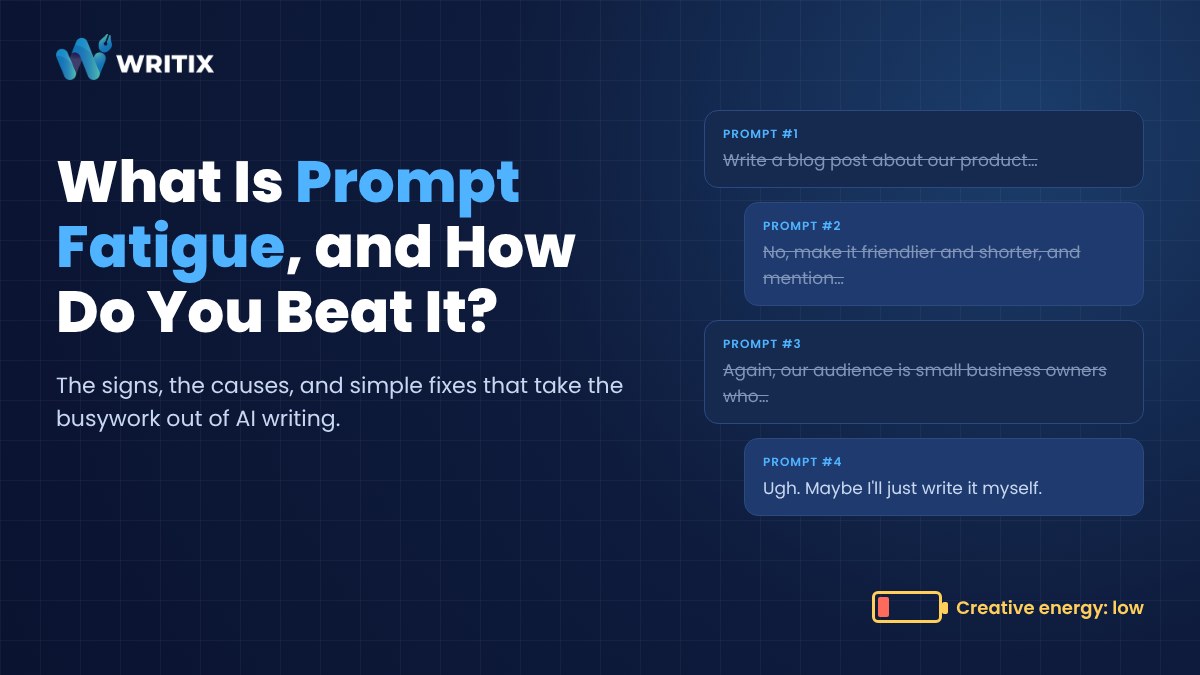
You open your AI writing tool, ready to get things done. Ten minutes later you're still typing the prompt. Is it too long? Too short? Did you mention the tone? The audience? You hit enter, the result misses the point, and you start again.
That drained, stuck feeling has a name. Prompt fatigue.
In this post I'll explain what prompt fatigue is, how to tell if you have it, why it happens and, most importantly, how to beat it with templates and simple workflows. If you're mainly hunting for software that works without prompts, we've covered the 8 best no-prompt AI tools in a separate guide.
What Is Prompt Fatigue?
Prompt fatigue is the mental and emotional tiredness that comes from writing detailed prompts for AI tools over and over again.
It isn't just about typing. It's the constant decision-making. Turning a fuzzy idea into precise instructions. Guessing what the AI will misunderstand. Fixing the output when it does.
Funny, right? We adopted AI to save effort. Then we found a new kind of work hiding inside it.
Signs You're Dealing With It
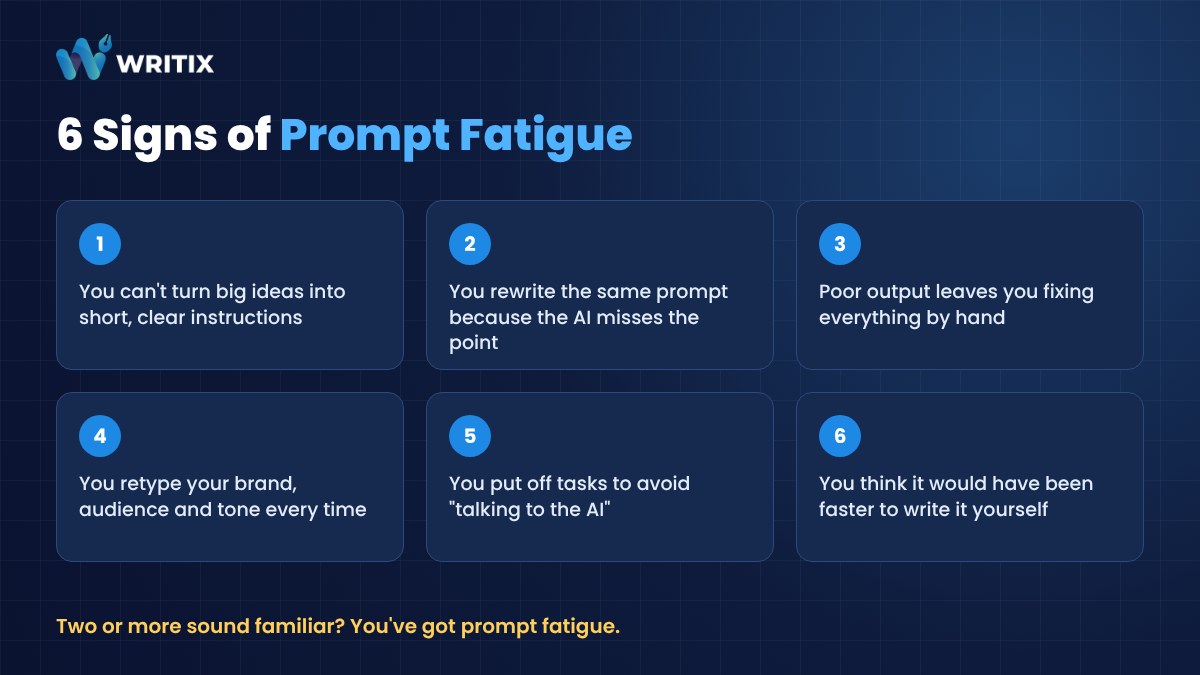
Not sure if this is you? See how many of these sound familiar.
- You struggle to turn complex ideas into short, clear instructions.
- You keep rewriting the same prompt because the AI doesn't get what you mean.
- You feel annoyed when the output is poor and you have to fix everything by hand.
- You retype the same background details about your brand, audience and tone every single time.
- You put off tasks simply because you don't feel like "talking to the AI" right now.
- You end up thinking it would have been faster to write it yourself.
Two or more? You've got prompt fatigue.
What Causes Prompt Fatigue?
It usually comes down to a few habits.
Starting from a blank box every time. Every task becomes a fresh writing assignment, even when you've done the same task a dozen times before.
Chasing the perfect prompt. There's no such thing. But it's easy to keep tweaking, hoping the next version will be the one.
Missing context. The AI doesn't know your brand, your customers or your style unless you tell it. So you tell it again. And again.
Doing everything in one giant prompt. Asking for research, outline, draft and polish all at once usually produces a mess that needs several rounds of fixing.
How Prompt Fatigue Hurts Your Work
It lowers productivity. Writing one prompt that actually works can take longer than you'd think. That time could go into editing, planning or the work that really matters.
It reduces creativity. When all your energy goes into step-by-step instructions, there's little left for fresh ideas.
And it wears down your focus. Endless small decisions lead to decision fatigue, and eventually burnout.
The irony is painful. The tool meant to make you faster starts slowing you down.
How to Beat Prompt Fatigue
The fix isn't to get better at prompting. It's to prompt less.
Here's how.
1. Write It Once, Reuse It Forever
Look at the tasks you do every week. Blog intros, product descriptions, social captions, follow-up emails. Each of those deserves one solid, tested prompt that you save and reuse.
Keep them in a simple document or notes app. Next time, you copy, fill in the blanks and go.
2. Turn Prompts Into Fill-in-the-Blank Templates
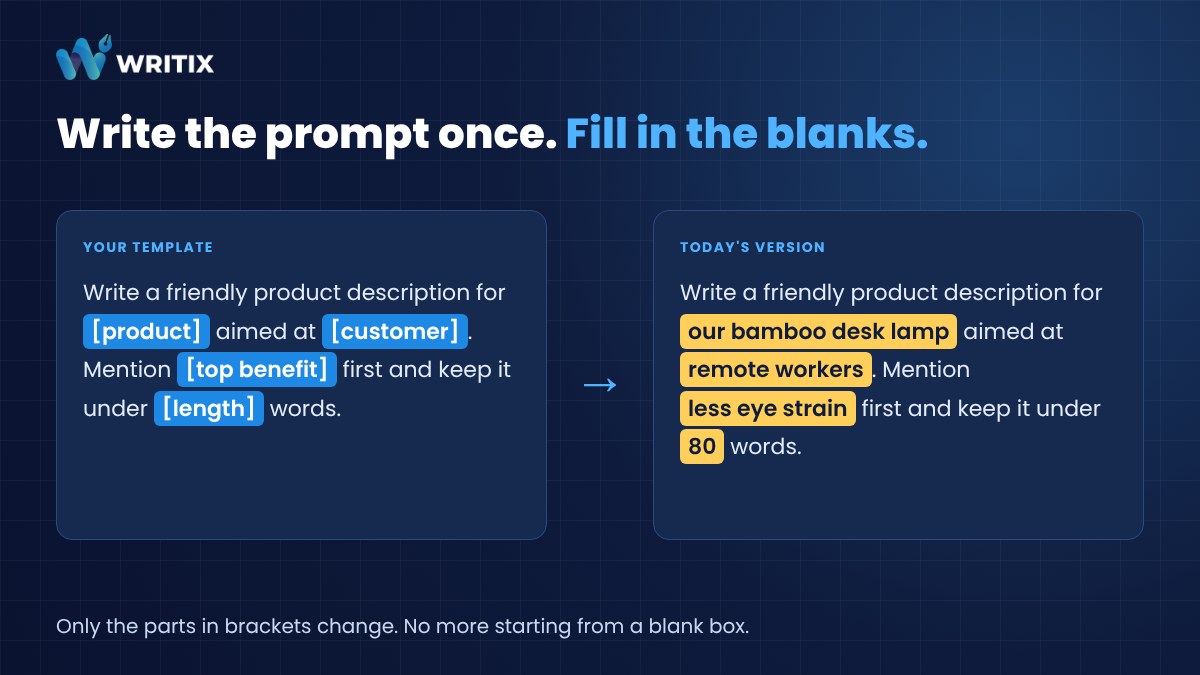
A good template does the thinking for you. You only change the parts in brackets.
- "Write a friendly product description for [product] aimed at [customer]. Mention [top benefit] first and keep it under [length] words."
- "Give me five social media captions announcing [news] for [platform]. Keep the tone [tone] and end each with a question."
- "Write a short follow-up email to [name] who downloaded [lead magnet]. Remind them of [benefit] and invite them to [next step]."
Notice how little you have to think? That's the point.
3. Create a Brand Brief Once
Write one short paragraph describing your business, your audience, your tone and words you never use. Paste it at the top of your templates, or save it in your tool's custom instructions if it has them.
Now the AI starts every task with context. No more retyping it.
4. Break Big Jobs Into Small Steps
Instead of one massive prompt, run a short chain. Ideas first. Then an outline. Then a draft. Then a polish.
Each step is easier to prompt and easier to fix. And once a chain works, it becomes a workflow you can repeat.
5. Batch Similar Tasks
Switching between different kinds of prompts is tiring. Do all your product descriptions in one sitting, all your captions in another. You stay in one mental mode and the template does the heavy lifting.
6. Stop at Good Enough
If the output is mostly right, edit it by hand. Don't spend fifteen minutes re-prompting to fix one sentence you could rewrite in thirty seconds.
7. Use Tools That Come With the Workflows Built In
Templates and saved prompts help a lot. But the easiest fix of all is a tool where someone has already done the prompting for you. You pick a task, fill in a few simple fields and get your content.
Where Workflows Work Best
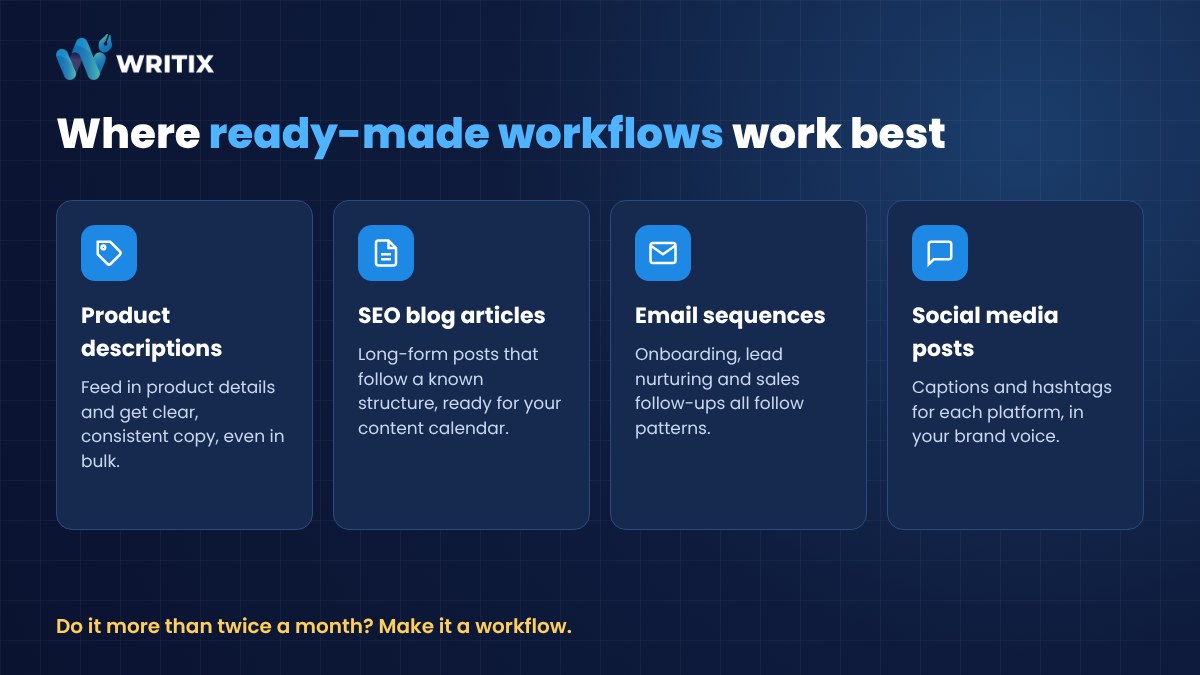
Ready-made workflows shine on repeatable content. A few examples.
- Product descriptions. Feed in product details and get clear, consistent descriptions, even in bulk.
- SEO blog articles. Great for content calendars and long-form posts that follow a known structure.
- Email sequences. Onboarding, lead nurturing and sales follow-ups all follow patterns.
- Social media posts. Captions and hashtags for each platform in your brand voice.
If you do something more than twice a month, it's a candidate for a workflow.
How Writix Takes Prompting Off Your Plate
This is exactly why we built Writix.
Writix gives you ready-made AI workflows for common business content, so you skip the prompt box entirely. Choose what you want to create, give it a few simple inputs and let it do the rest. Behind the scenes it uses several AI models together, which gives you different angles and fresh ideas without you having to engineer the perfect prompt.
You still review and edit. You just don't start from zero.
It costs $6.99 a month or $67 a year.
There are other tools that reduce prompting too, from content platforms like Narrato and Scalenut to workflow builders like Copy.ai. If you want to compare them, read our roundup of the best no-prompt AI tools that work without writing prompts.
Final Thoughts
Prompt fatigue is real. But it isn't a reason to give up on AI.
It's a sign that your process needs fixing. Save your best prompts. Turn them into templates. Write your brand brief once. Break big jobs into steps. And when you can, let a ready-made workflow do the prompting for you.
AI should boost your creativity, not drain it.
FAQs About Prompt Fatigue
Is prompt fatigue a real thing?
Yes. It's a form of decision fatigue. Constantly translating ideas into precise instructions, then fixing poor results, wears people down over time.
Will templates make my content sound generic?
Not if you include your brand brief and edit the results. Templates handle the structure. Your edits add the personality.
Do I need technical skills to use AI workflows?
No. If you can fill in a form, you can use them. Some setup helps, like describing your brand once, but after that it's mostly reviewing and approving.
Can a team share the same templates?
Absolutely. A shared prompt library or workflow tool is one of the easiest ways to keep content consistent across different writers.